Introduction
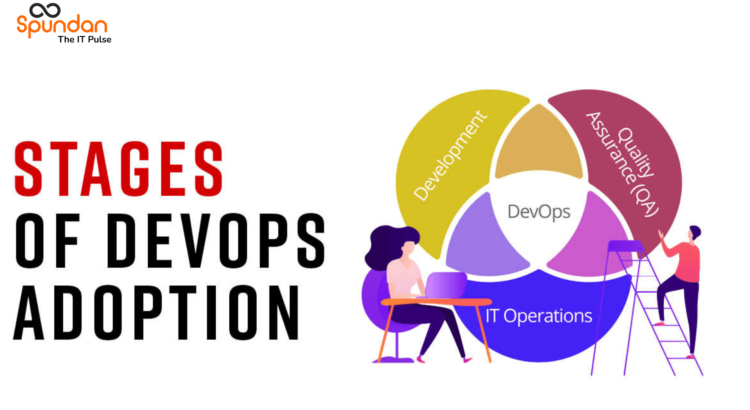
DevOps is a comprehensive software development approach that encompasses various stages in the software development lifecycle, aiming to foster collaboration, automate processes, and deliver high-quality software efficiently. Each stage in DevOps is critical for successful software delivery, and a wide array of tools are available to support and streamline these stages. In this blog, we will explore the key stages of DevOps, along with the essential tools used in each stage. Let’s dive into the use cases, differences, and benefits of these tools in the context of the DevOps process.
Stages in DevOps and Associated Tools
Stage 1: Development
The development stage involves writing, testing, and maintaining code for the software. Tools commonly used in this stage are
- Version Control Systems (VCS):
Use Cases: Collaboration among developers, tracking code changes, and managing codebase versions.Examples: Git, SVN (Subversion).
- Integrated Development Environment (IDE):
Use Cases: Code editing, debugging, and managing project dependencies.Examples: Visual Studio Code, IntelliJ IDEA.
Stage 2: Continuous Integration (CI)
Continuous Integration is the practice of frequently integrating code changes from multiple developers into a shared repository. The primary CI tool is:
-
Continuous Integration Server:Use Cases: Automated build, test, and code integration for every code commitExamples: Jenkins, CircleCI, and Travis CI.
Stage 3: Continuous Delivery/Continuous Deployment (CD)
Continuous Delivery and deployment are practices that automate the software delivery process up to the production environment. Tools for this stage include:
- Continuous Deployment and Release Automation:
Use Cases: Automating the deployment process, reducing manual errors, and enabling fast, reliable releaseExamples: Ansible, Chef, and Puppet.
- Containerization:
Use Cases: Packaging applications and dependencies into containers for consistency and portabilityExamples: Docker, Kubernetes.
Stage 4: Monitoring and Feedback
Monitoring and feedback loops are essential for ensuring the performance and reliability of the software in production. Key tools include:
- Monitoring and Logging:
Use Cases: Real-time monitoring, error detection, and performance analysis.Examples: Prometheus, Grafana, ELK Stack (Elasticsearch, Logstash, Kibana).
- Issue Tracking and Collaboration:
Use Cases: Tracking and managing bugs, issues, and tasks across teams.Examples: Jira, Trello.
Post-Production Stage: Security
Security is crucial in the DevOps process, and tools play a vital role in ensuring the safety of the software.
- Static Application Security Testing (SAST):
Use Cases: Identifying security vulnerabilities during the development stage.Examples: SonarQube, Checkmarx
- Dynamic Application Security Testing (DAST):
Use Cases: Identifying security vulnerabilities in running applications.Examples: OWASP ZAP, Burp Suite
Differences and Benefits
The tools used in each stage of DevOps address specific challenges and requirements:
-
Development tools enhance collaboration and version control, ensuring code quality and efficient code management.
-
CI/CD tools automate the integration, testing, and deployment process, reducing manual errors and speeding up the delivery pipeline.
-
Monitoring and feedback tools enable real-time visibility into the application’s health, leading to quick issue identification and resolution.
-
Security tools safeguard the software against potential vulnerabilities, ensuring the protection of sensitive data and maintaining user trust.
Conclusion
DevOps encompasses various stages, from code development to post-production monitoring and maintenance. Each stage requires specialized tools to automate processes, ensure code quality, and enhance collaboration between development and operations teams. By adopting the right tools and practices at each stage, organizations can build a seamless and efficient DevOps pipeline, leading to faster, more reliable software delivery and continuous improvement in their products and services.